
Augmenting Voice with Messaging
Learn how to messsage customers during a voice conversation
Augmenting Voice with Messaging
Oftentimes, you might want to text a customer during a voice interaction, that could be because you want to text a link to a knowledge base article, send a customer their order status, or send the customer a list of options to pick from. Voice is great for a lot of things, but it's not great for these use cases.
Messaging ConsentBefore texting a customer during a voice interaction, you'll want to make sure you have consent to do, ensure you've worked that into the design of your experience. If you're unsure of how to do this, please reach out to your account manager
Building your Message
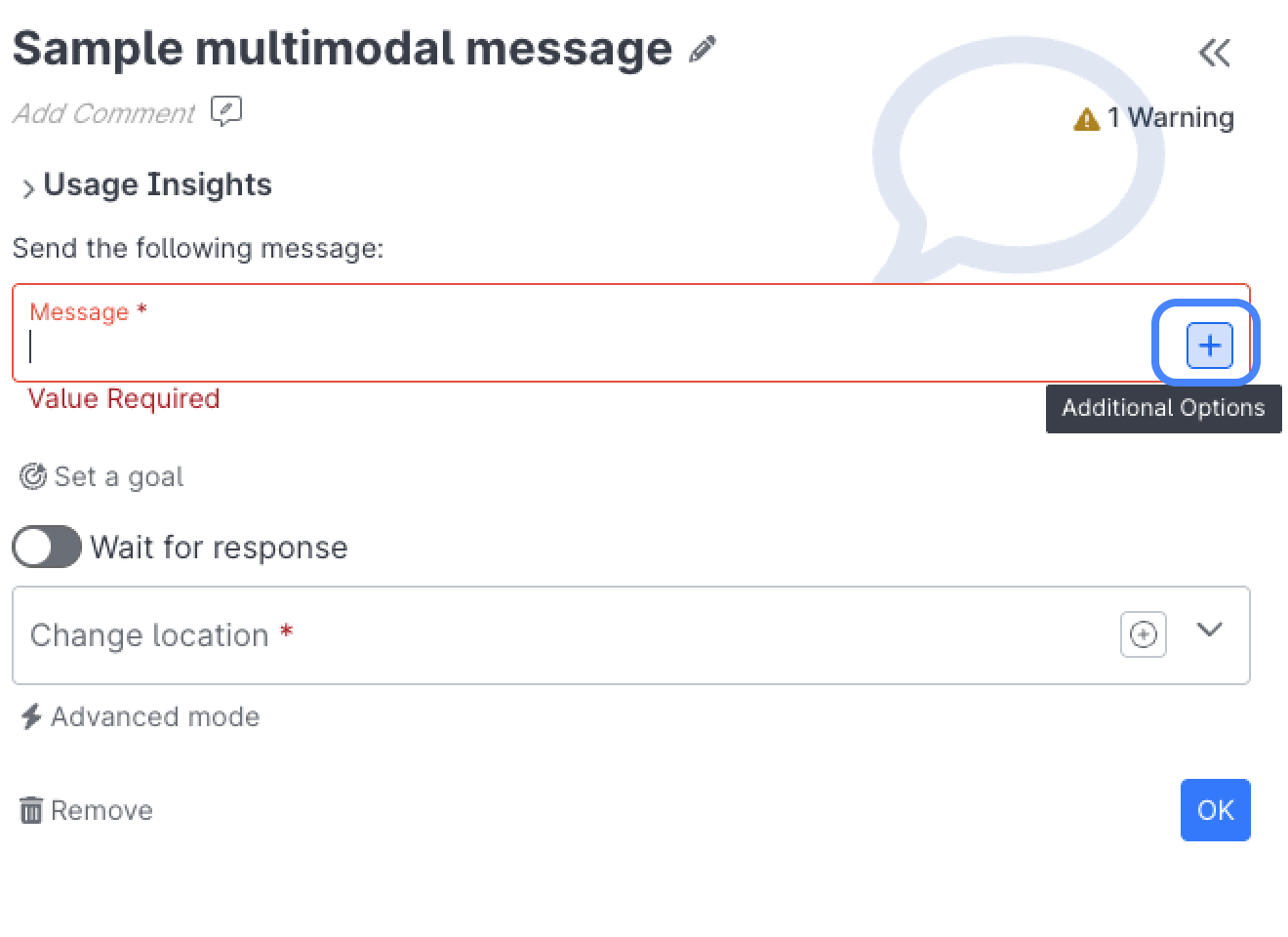
- Select the Additional Options button in the Message Field:
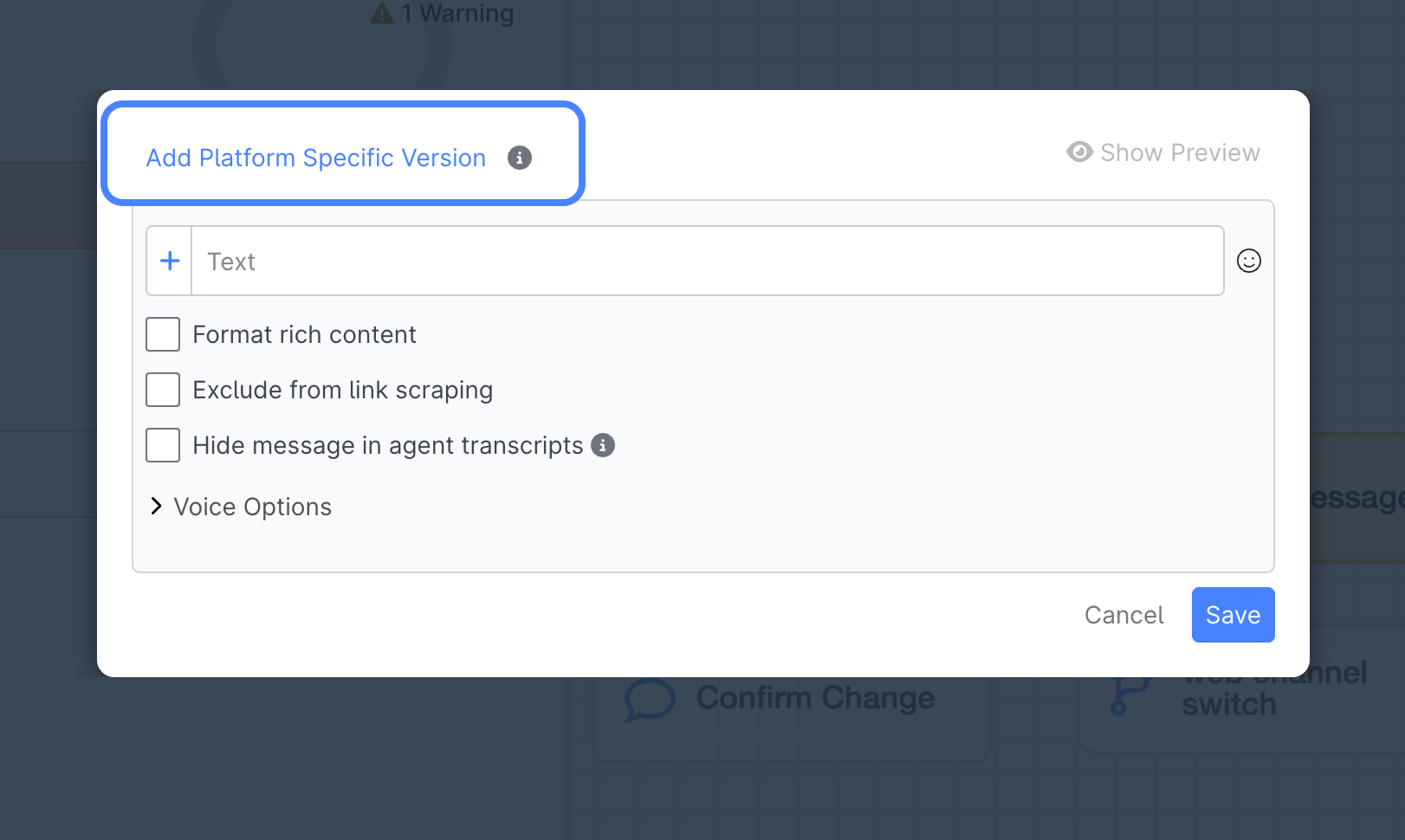
- select Add Platform Specific Version and select Voice:
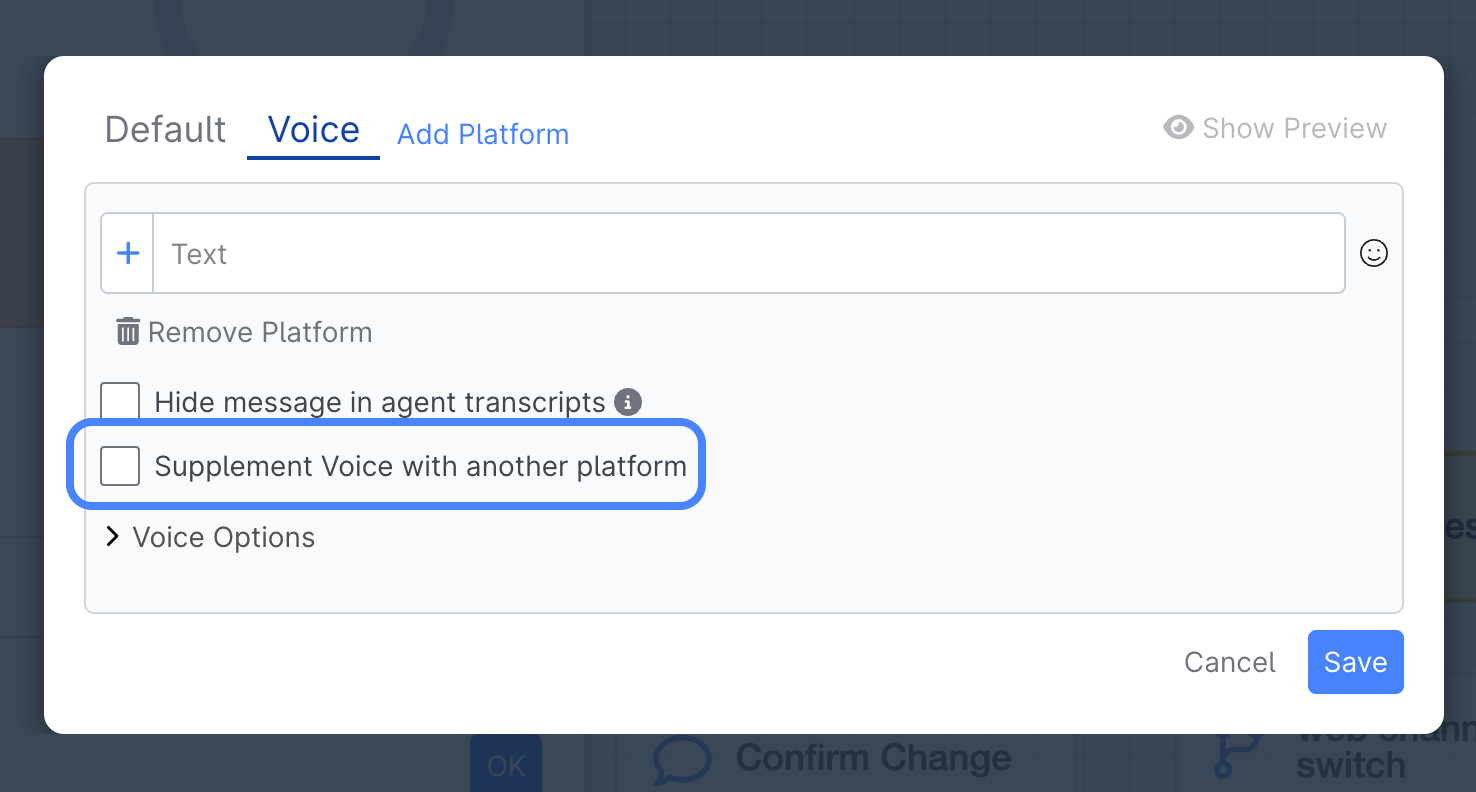
- select Supplement Voice with another platform:
-
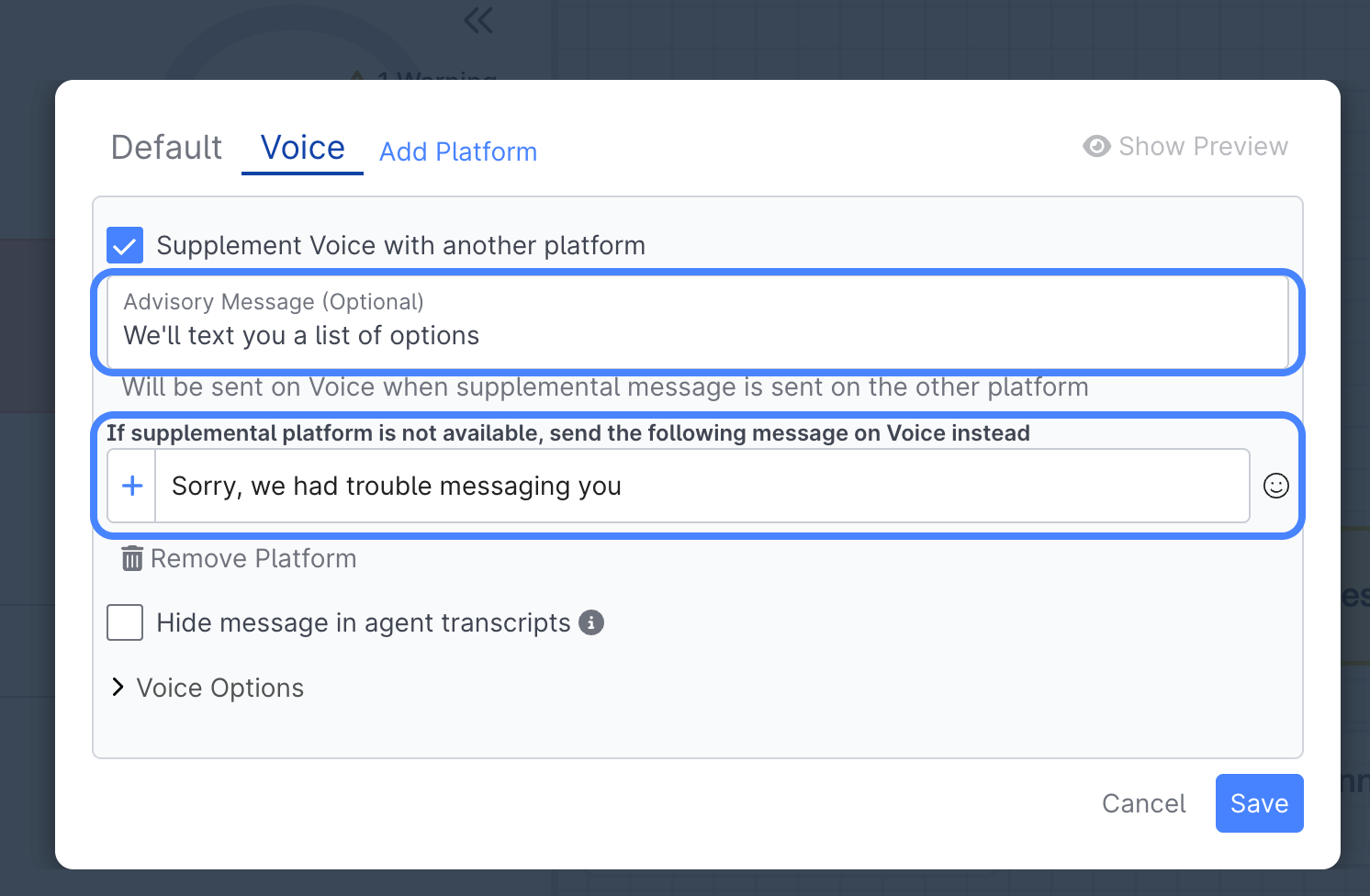
Define the Advisory Message you'd like to be spoken over Voice, and define the message you'd like spoken if the messaging channel is not available:
-
Lastly, click back over to the Default tab and define the message you'd like to text during the conversation:
-
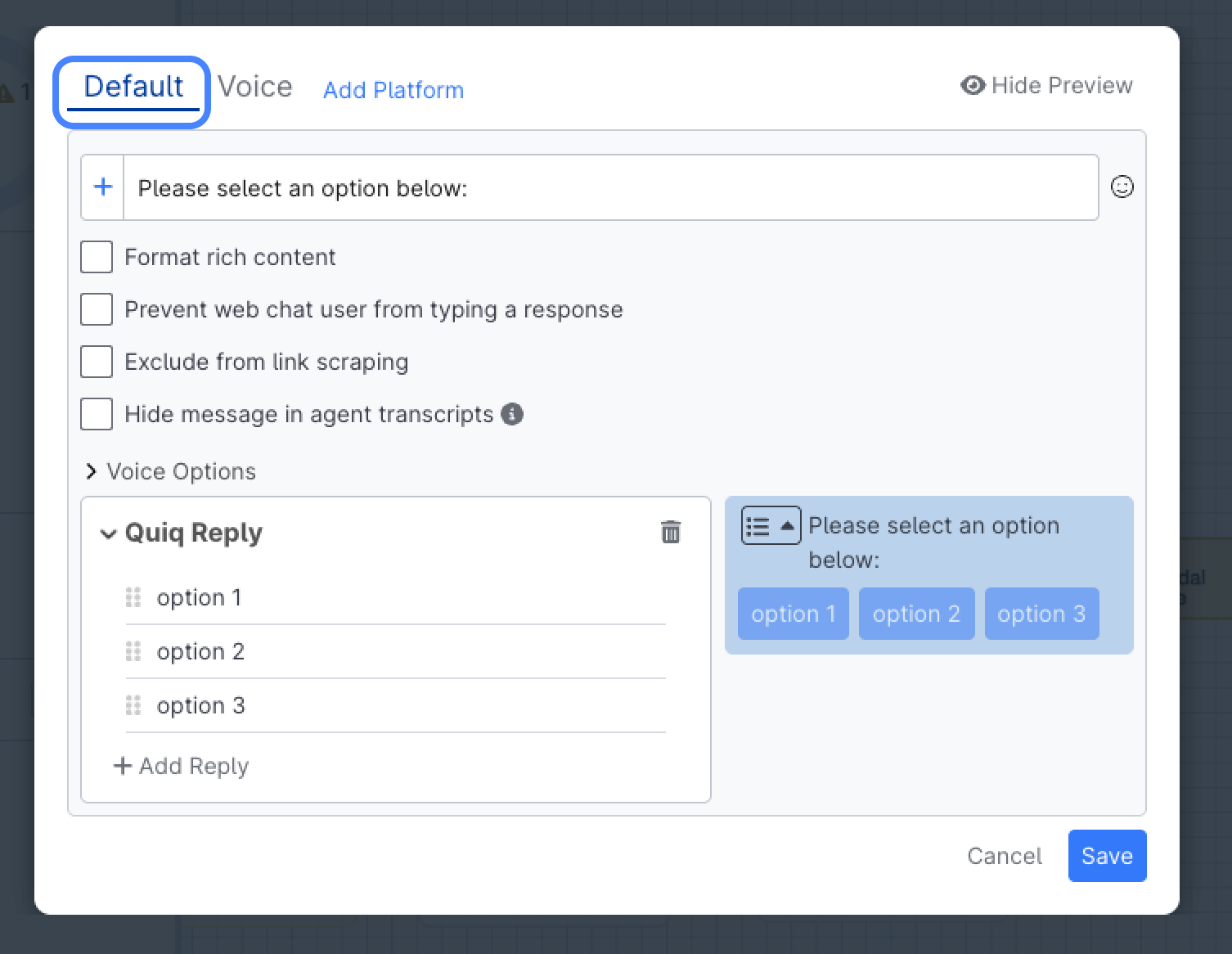
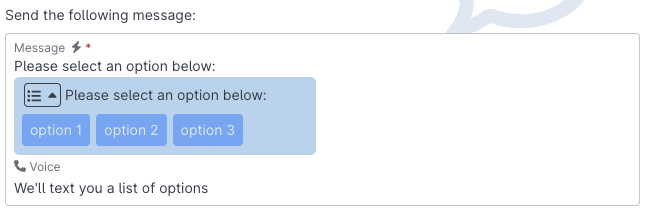
Once you've finished, your message will look something like this:
Reviewing Multi Modal Conversations
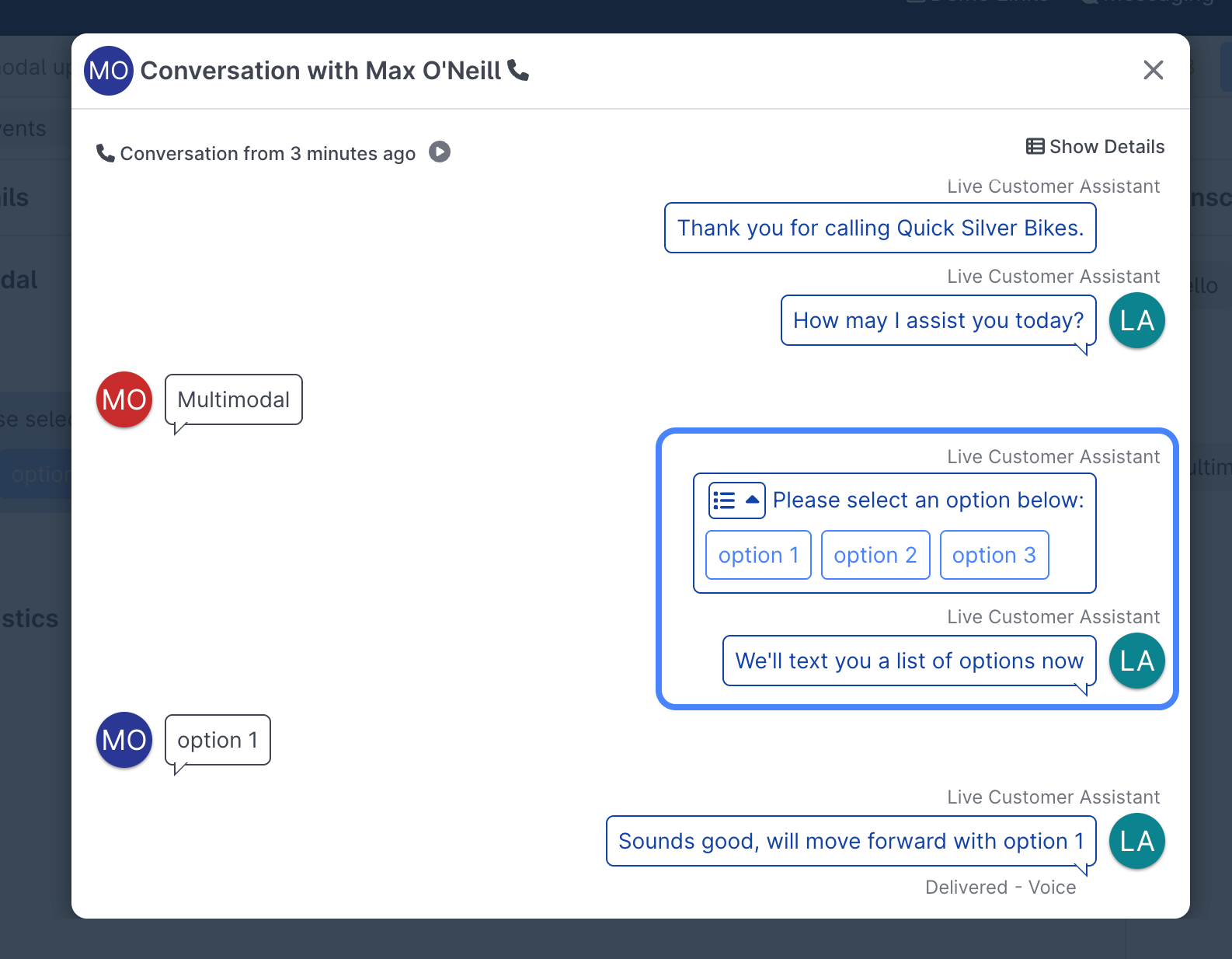
When viewing a multimodal transcript, both the voice and messaging portion will appear side by side, so no context is lost:
Updated 9 months ago